Open today’s
password.
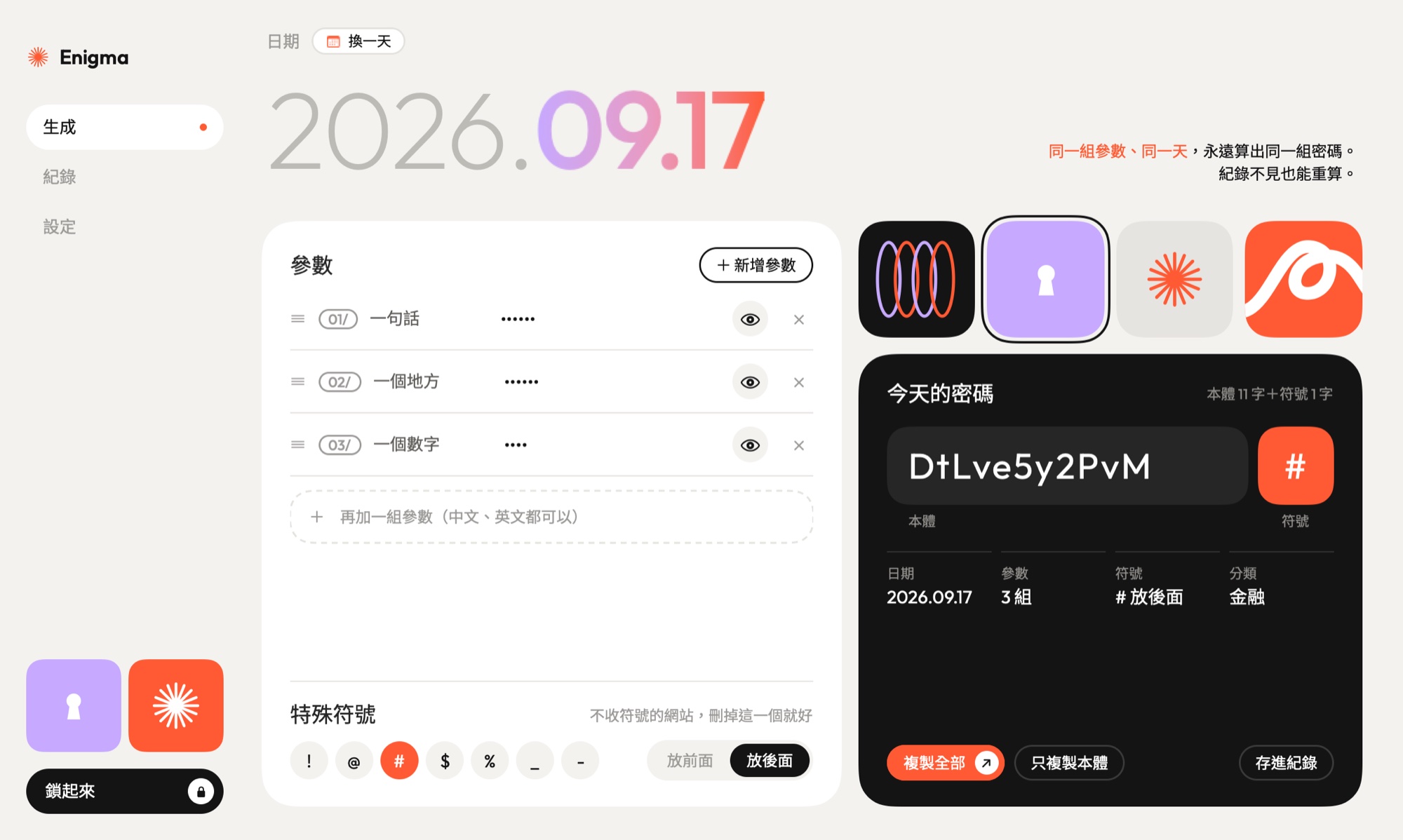
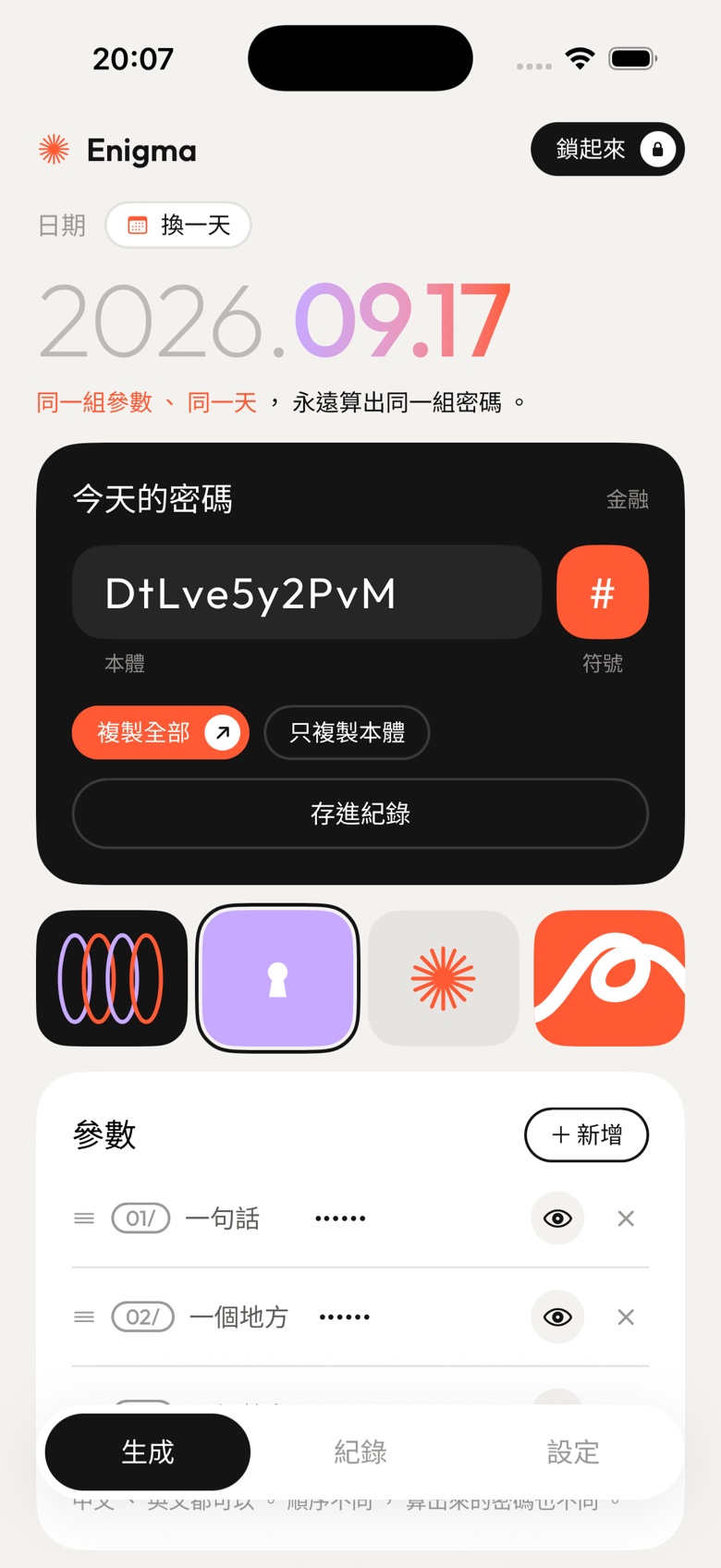
Enigma turns a few pieces only you know, plus a date, into a password. Same pieces on the same day always give the same password. Lose the record, and you can still work it out again.
“Services keep asking me to change my password. Random ones I can’t remember. I used to shuffle the same few pieces of text, and I ran out of new combinations.”
Shih-Bo Chiu, who made it (translated from Chinese)
How it works,
in four moves.
A replay of the real app. The passwords below are the ones Enigma actually produces for these pieces. They were worked out once and written into this page.
Names are translated here; the app itself is in Traditional Chinese. Values are shown for the demo. In the app they stay hidden until you tap the eye.
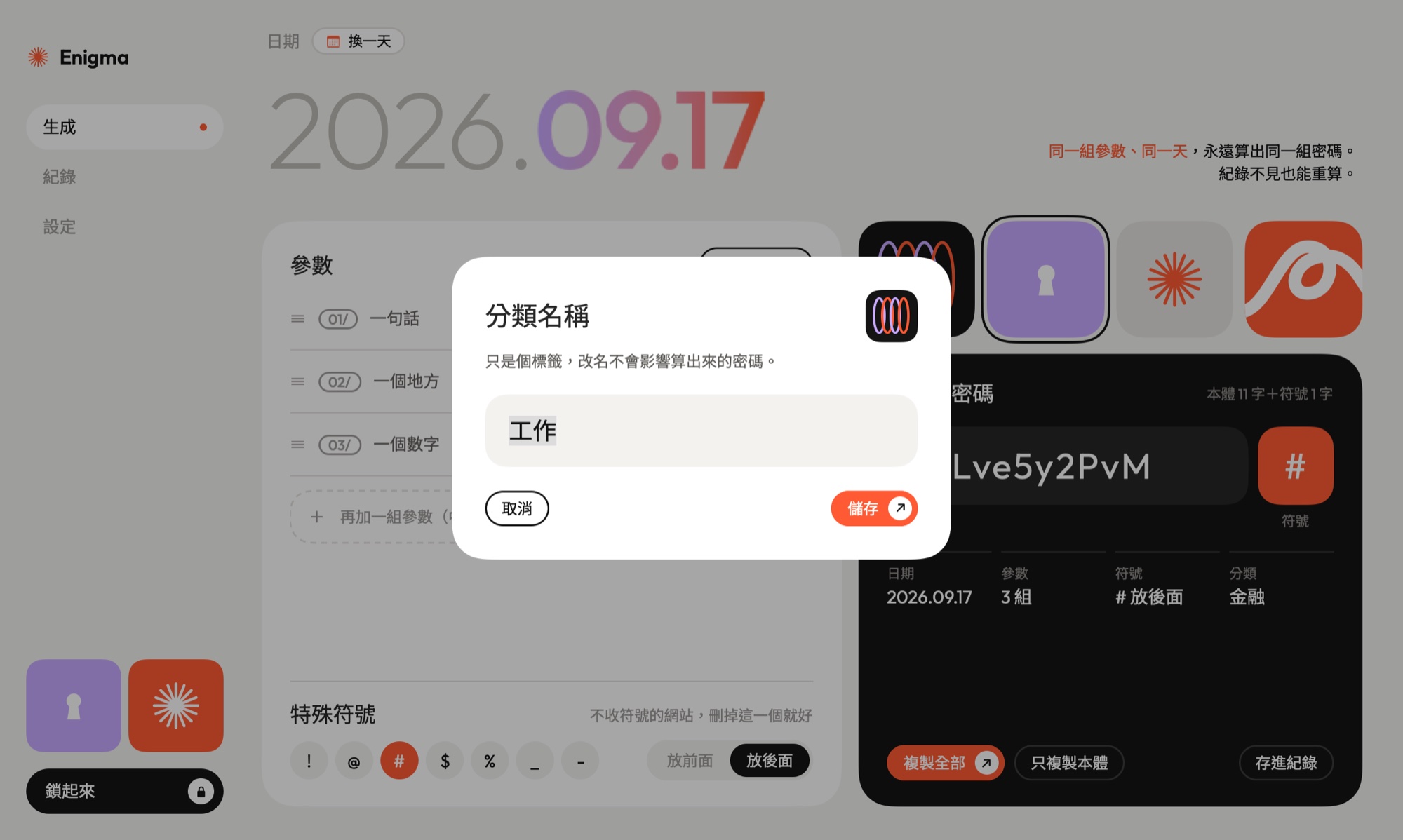
Four shapes,
four labels.
Tap a shape before you save, and the record carries it. To rename it, right-click on Mac or press and hold on iPhone. Labels never touch the password: pick any of them, and the result stays the same.
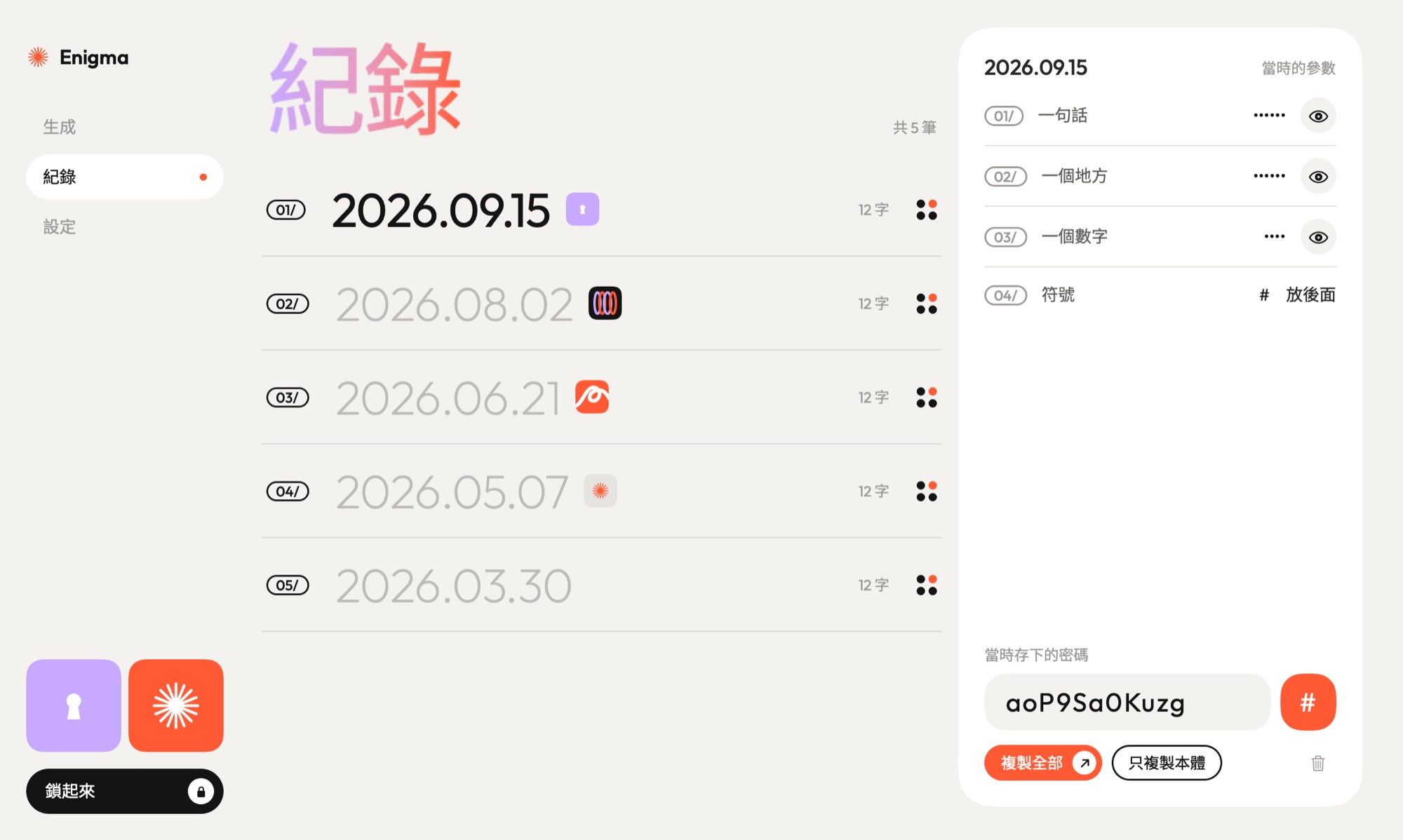
A record for
every day you save.
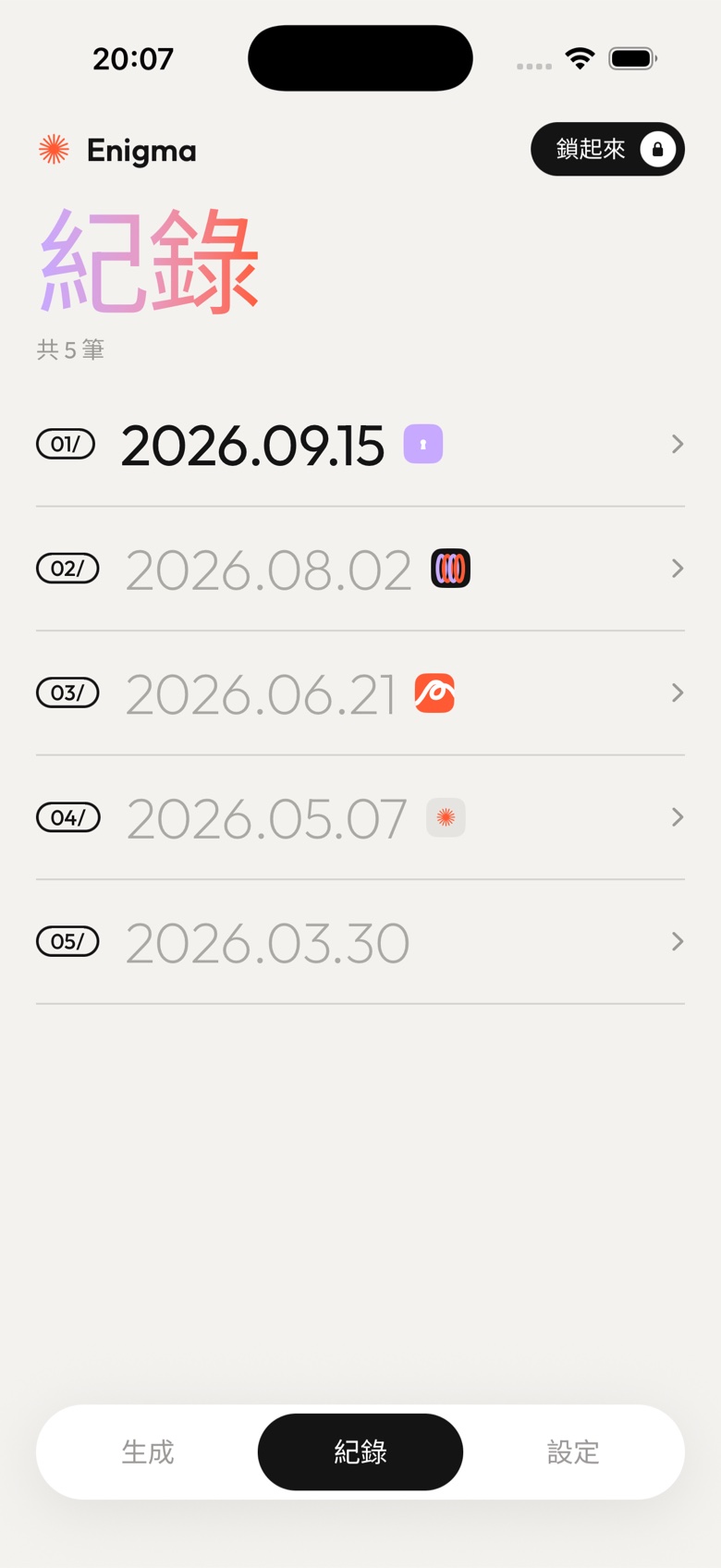
Each record keeps three things together: the date, the pieces you used that day, and the password itself.
- 01/Change your pieces later, and old dates keep the password they had.
- 02/One record per day. Saving again asks before it replaces anything.
- 03/Lose the records entirely, and the same pieces on the same date still give it back.
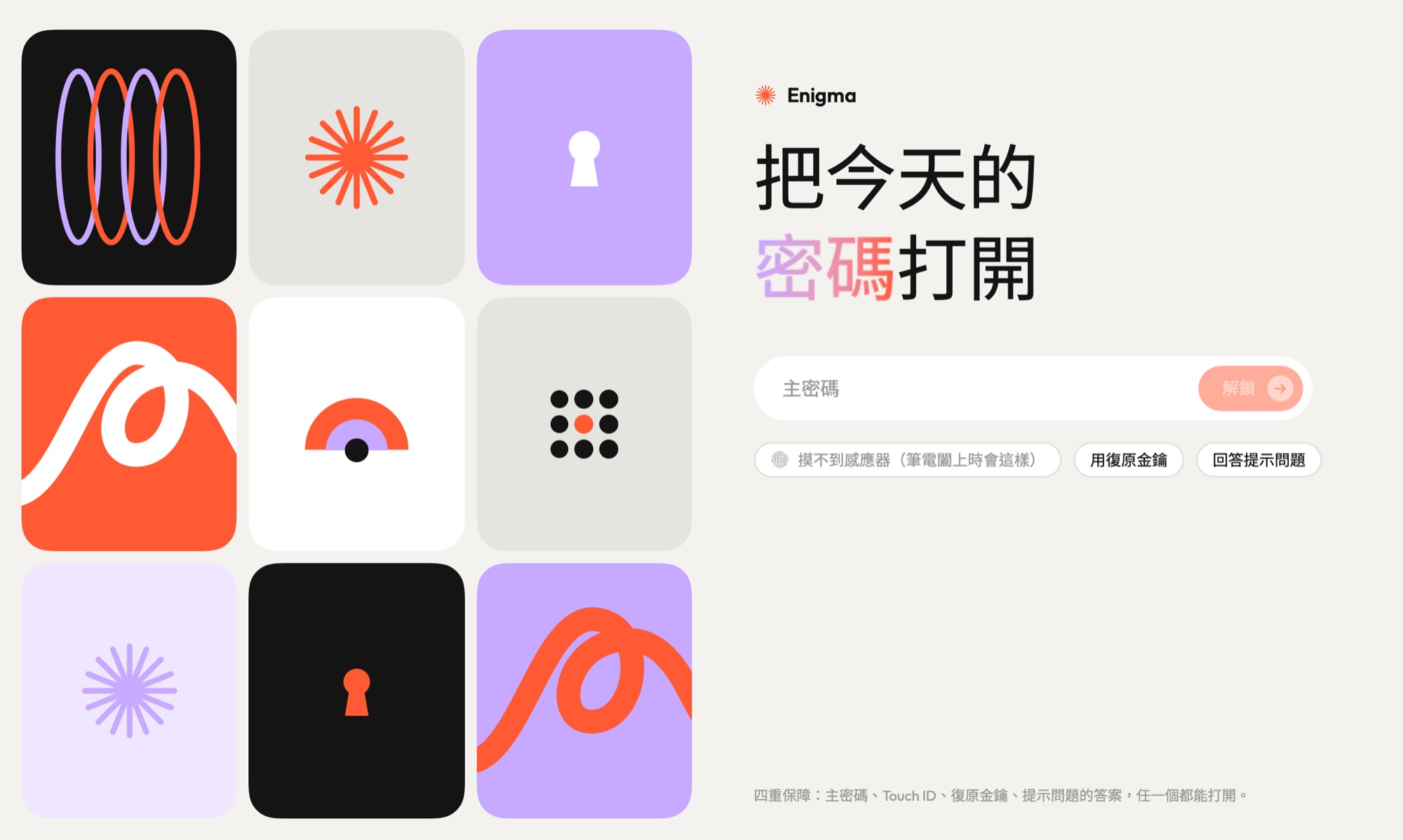
Four ways back in.
The app itself is locked. Any one of these opens it:
- 01/Your main password
- 02/Touch ID on Mac, Face ID on iPhone
- 03/A recovery key, shown once when you set up
- 04/The answer to your own hint question
Small things
that matter.
The symbol sits apart
Choose one symbol and whether it goes first or last. When a site refuses symbols, leave that one out.
The clipboard forgets
Copied passwords are cleared after 60 seconds, unless you have copied something else since.
It locks itself
After two idle minutes on Mac; the moment you leave the app on iPhone. The app switcher shows a cover, not your screen.
Also on
iPhone.
Two apps, no syncing, and no need for it. Same pieces, same day: the same password on both.
Not for download. Yet.
Enigma is a personal tool. Part of what keeps it safe is that the way it works out a password isn’t public, and giving the app away would give that away too. So for now, this page is the whole tour.
How it was made.
Built in conversation with Claude. The idea and the rules came from him; the formula and the code were worked out together.